
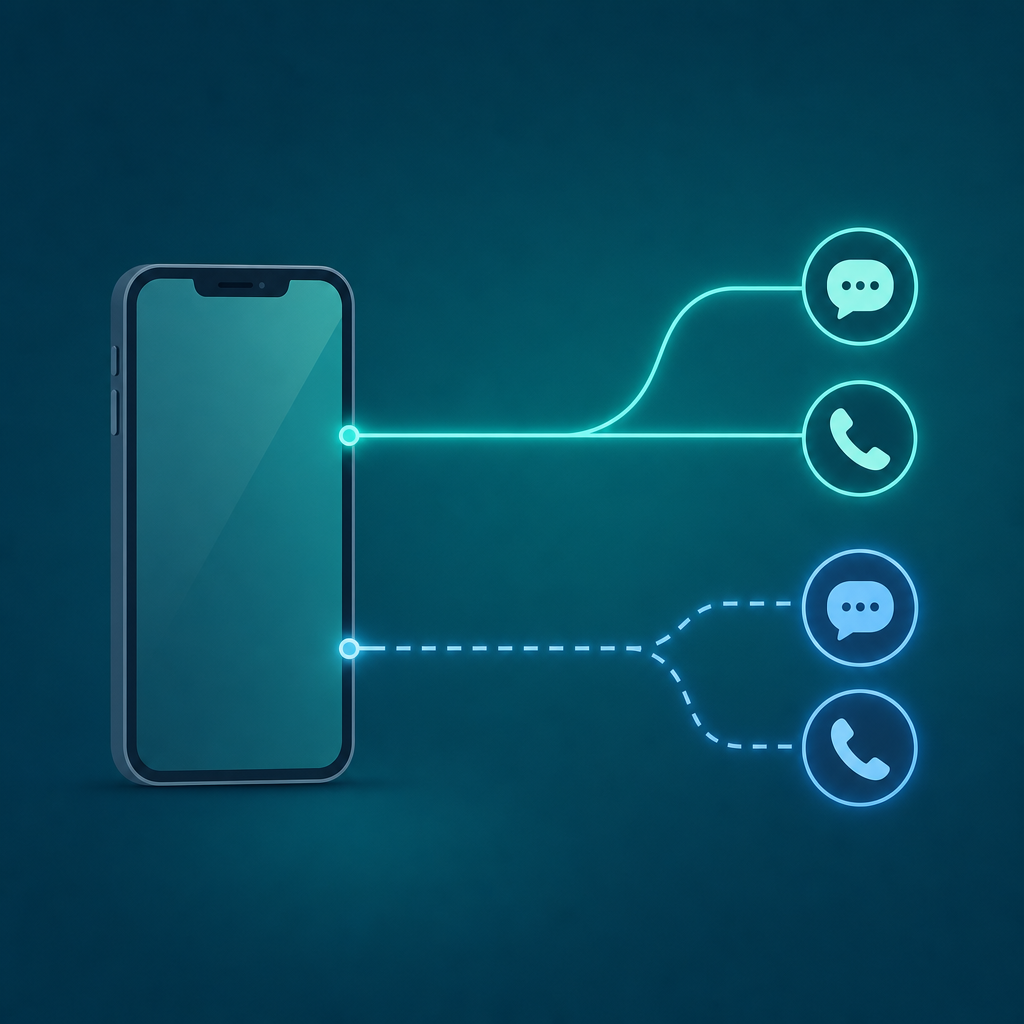
Short answer: You have three real ways to get a second phone number on a phone you already own — turn on a built-in eSIM line, ask your carrier to add a line, or install a second-number app like Text Call. Only the app route needs no new SIM, no carrier visit, and no extra hardware. You download it, pick a number, and start calling and texting from a separate line on the same device.
Most people who search for this are not trying to switch carriers. They want one phone, two identities: a number for the side hustle, a number for the dating app, a number for the marketplace buyer who keeps texting at 11pm. The confusion is that "second phone number" gets used for three different things that cost and behave very differently. So before any setup, it helps to see them side by side.
The three real ways to get a second number — and what each one unlocks
Here is the honest map. I have not invented monthly prices, because they depend entirely on your carrier, your country, and which app plan you pick — instead the table shows the cost shape (one-time, recurring, or free tier) so you can predict the bill before you commit.
| Route | Needs a new SIM? | What it unlocks | Cost shape | Best for |
|---|---|---|---|---|
| Dual SIM / eSIM (built into the phone) | An eSIM activation, not a physical card — your phone runs two lines at once | A true carrier line with its own calls, texts, and often its own data plan | Recurring: you pay a carrier for the second plan; the eSIM itself is free to activate | Travel, a real work line, keeping two carriers live |
| Carrier add-a-line | Sometimes a physical SIM, sometimes eSIM | A second full number on your existing account, same carrier billing | Recurring add-on to your monthly bill | Family lines, a permanent business number you want tied to your carrier |
| App-based second number (e.g. Text Call, Google Voice, TextNow) | No — runs over data or Wi-Fi on your current SIM | A separate number for calls and texts inside an app, usually with caller ID and voicemail | Free tier or low recurring in-app plan, depending on the app and features | Burner-style use, selling online, dating, a temporary or disposable line |
Claim: Only the app-based route gives you a second number with no new SIM and no carrier account change.
Evidence: Apple Support documents dual SIM and eSIM as carrier-provisioned lines; Google and Android Help describe calling and messaging apps as a separate layer over your existing connection. An app number rides your data plan, not a new line.
Limit: An app number is not a SIM line, so it behaves differently for some services (more on that below).
Action: If you want zero carrier involvement, start with the app route.
Why dual SIM and eSIM are not always the "second number" you want
An eSIM is genuinely useful. If you bought your iPhone or a recent Android phone in the last few years, it almost certainly supports two lines — one physical SIM and one eSIM, or two eSIMs. Apple Support has a setup guide for adding an eSIM, and most modern carriers can provision one without mailing you anything.
But here is the catch. A second eSIM still means a second carrier plan, with its own monthly cost and its own contract relationship. You are adding a line, just without the plastic. That is overkill if all you want is a throwaway number for Craigslist or a separate line so your real number does not end up on a dozen marketing lists. For a permanent travel or work line, eSIM is the right tool. For a disposable or compartmentalized number, it is a lot of commitment for a small job.
The app route, step by step (no stopwatch, just the real sequence)
This is the path most people actually want, so here is the reproducible setup. The exact taps vary slightly by app and OS version, but the sequence is the same for a second-number app like Text Call. I am describing the method, not claiming a fixed "two-minute" time, because activation speed depends on your data connection and the app's number availability that day.
- Install the app from the App Store (iPhone) or Google Play (Android). A second phone number app runs as a normal app over your existing connection — you do not remove or swap your real SIM.
- Open it and pick a number. Most second-line apps let you choose an area code or region so the new number looks local. Pick one that matches how you want to be seen.
- Grant the permissions it asks for — microphone for calls, notifications for incoming texts, contacts only if you want it to match names. Decline anything that does not map to a feature you will use.
- Send one test text and place one test call to your own primary number. This confirms the line is live and shows you exactly what your second number's caller ID looks like to the other side.
- Decide what stays on which line. Use the second number for forms, listings, and new contacts. Keep your real number for your bank, your family, and two-factor codes you cannot afford to lose.
That is the whole loop. No SIM tray, no carrier call, no new bill if you stay on a free tier. Text Call is made by CodeBaker, which builds a small family of phone-first utilities for exactly these "I need a second line right now, on this phone" moments — the same maker behind the document tools Scan Cam and Fax Scan.
Where app numbers behave differently from a SIM line
This is the part comparison posts usually skip, and it matters. Many app-based numbers are VoIP numbers — they live on the internet, not on a cellular line. Some services treat VoIP numbers differently. A handful of banks, two-factor systems, and signup verifications will reject a number they detect as VoIP, while plenty of others accept it without complaint.
I am not going to hand you a list of "these services accept VoIP and these don't," because that list changes constantly and varies by country — and asserting it as fact would be exactly the kind of invented detail you should distrust. Instead, here is how to check for your own case: try to register your second number with the specific service you care about. If it is accepted on the spot, you are fine. If it bounces, fall back to your SIM number for that one service and keep the app number for everything else. Treat the app number as your public, shareable line and your SIM number as your private, identity-critical one.
What about keeping the number later?
If you grow attached to a number, the question becomes portability. The U.S. FCC provides consumer guidance on number porting — the rule that lets you carry a phone number between providers. Whether a given app number can be ported out depends on the provider and the number type, so if long-term ownership matters to you, confirm portability with the app's own support before you build a business around the number. For a true keep-forever business line, a carrier add-a-line or eSIM is the safer foundation; for a flexible, swappable, or temporary line, an app number is the point.
FAQ
Can I get a second phone number without buying another SIM?
Yes. A second-number app gives you a separate line for calls and texts over your existing data or Wi-Fi connection, with no new SIM and no carrier change. Apple and Google document SIM-based lines (eSIM, dual SIM) as the carrier route; the app route sits on top of your current connection instead, which is why it needs no extra hardware.
Is an app-based second number the same as a burner phone?
It serves the same purpose without the extra device. A burner phone is a separate handset with its own SIM; a second-number app gives you a separate, disposable-feeling number inside your existing phone. You can hand it out for listings, dating, or short-term contacts and stop using it whenever you like, all without carrying two devices.
Will websites and banks accept my app phone number?
Often, but not always. Some services detect and reject VoIP-type numbers for verification, while many accept them. There is no reliable universal list, so the honest method is to test it: try registering your second number with the specific service, and if it is rejected, use your SIM number for that one signup. Keep the app number for everyday, shareable contact.
How is this different from just turning on dual SIM or eSIM?
Dual SIM and eSIM add a real carrier line to your phone, with its own plan and monthly cost — Apple Support and Android Help cover that setup. An app-based number adds a software line over your current connection, with no second carrier plan. Use eSIM for a permanent or travel line; use an app for a flexible, low-commitment, or temporary second phone number.
Can I keep the number if I switch apps or carriers later?
Maybe. The FCC's consumer guidance covers number porting between providers, but whether a specific app number can be ported out depends on the provider and number type. If keeping the number long term is important, confirm portability with the app's support first, and consider a carrier line for anything you truly cannot lose.
The decision
Pick by how permanent and how identity-critical the number needs to be. If it is a forever business or travel line you want tied to a carrier, set up an eSIM or add a carrier line and accept the recurring cost. If you want a second phone number today for selling, dating, side projects, or just to keep your real number off forms, install a second-number app, choose your area code, run one test call, and start using it — no SIM tray, no carrier visit. Match the tool to the job, and you only pay for the commitment you actually need.