
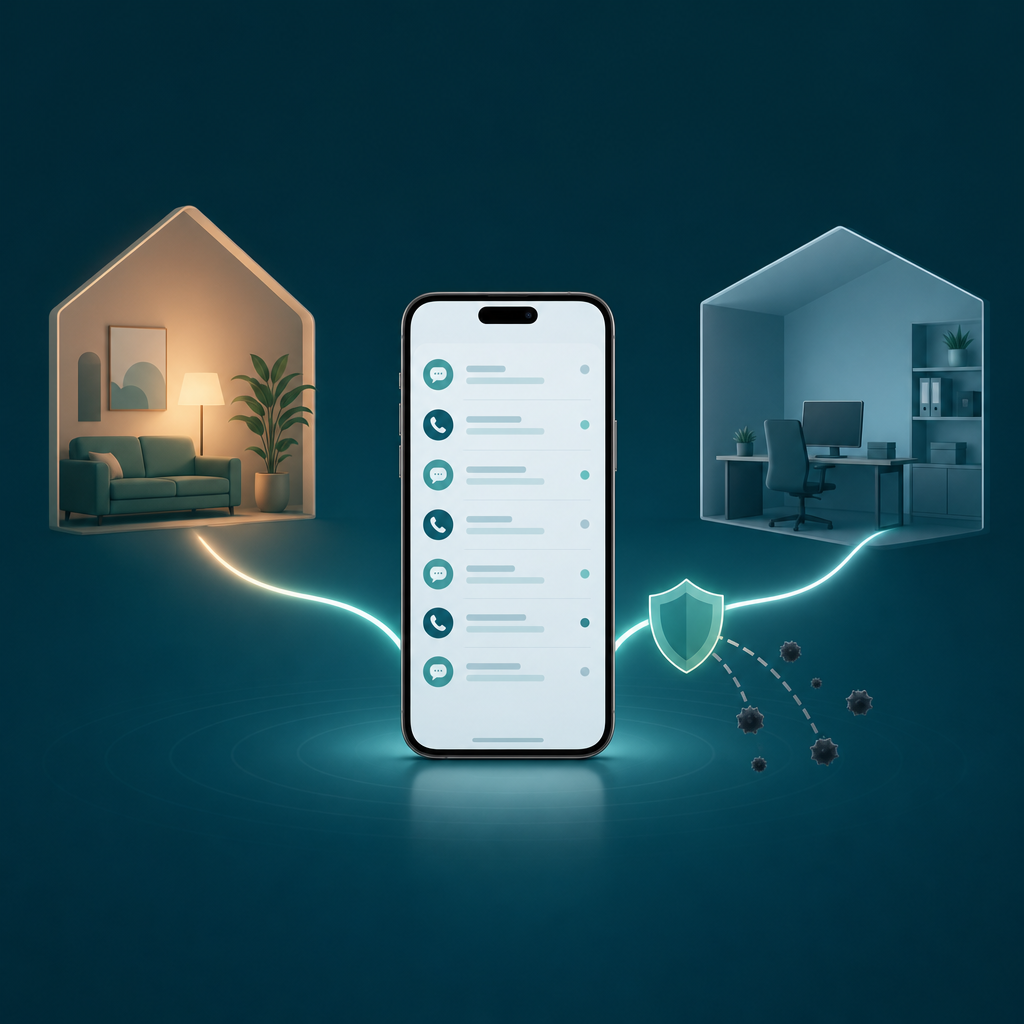
Short answer: Yes. A text-and-call app gives you a second phone number that sends texts and places calls from inside one app, on the phone you already own — no second SIM, no second handset. Everything from that number lands in its own inbox, so your work, marketplace, and dating conversations stay out of your personal thread.
The usual reason people go looking is not curiosity. It is a moment: you list a couch on Facebook Marketplace, three strangers now have your real cell number, and one of them texts at 1 a.m. asking if you'll deliver. Or a recruiter wants a callback number and you'd rather not hand over the same line your dentist and your mother use. A second line fixes the boundary problem without buying a boundary device.
One number, one inbox — texts and calls together
The thing that makes a second-line app useful is not that it can text. Plenty of apps text. It is that the texts and the calls share a single number and a single inbox. You see a voicemail and an SMS from the same buyer in one thread, the same way iMessage or Google Messages threads a contact. That unified view is the whole point: a separate number is only a real boundary if managing it is no more work than your normal messaging app.
Under the hood, a second-line number is usually a VoIP number — it rides over your data or Wi-Fi connection rather than your carrier's cellular voice channel. Apple and Google both allow this category. Google's own consumer service, Google Voice, works this way, and app-store communication apps from Codebaker and competitors like TextNow operate under the same VoIP model. The practical upshot for you: calls and texts work on Wi-Fi, which is handy on a weak cellular signal, but they depend on a connection the way any internet call does.
Claim: A text-and-call app's value comes from unifying SMS and voice under one second number, not from texting alone.
Evidence: Mainstream second-line services (Google Voice, app-store VoIP communication apps) bundle texting, calling, and voicemail under a single number by design — see their official feature pages.
Limit: Feature parity varies; some plans gate group MMS, international calling, or voicemail transcription.
Action: Before committing, confirm the app threads calls and texts in one inbox and supports the message types you actually use (MMS, group texts).
Who actually needs the split
Three groups reach for this most, and the reason is the same each time: a number that can't be un-shared.
Marketplace sellers. Once you post on Craigslist, Facebook Marketplace, or OfferUp, your number is in screenshots, in strangers' contacts, and sometimes in resale lead lists. A second line is disposable in spirit — when the couch sells, the buyer churn stops mattering, because none of it touched your real number.
Online dating. The standard safety advice from dating platforms is to keep conversations in-app until you trust someone. A second line is the next step out: you can move to texting and calling without revealing the number tied to your name, your iMessage, and your password resets. If it goes wrong, you mute or abandon the line, not your life.
Freelancers and side-hustlers. If you drive, tutor, consult, or sell, clients expect a number they can call. Putting your personal cell on an invoice means work calls arrive on weekends forever. A dedicated work line lets you silence "after hours" by silencing one app — a boundary Pew Research has repeatedly documented people struggling to hold, with large shares of workers reporting blurred lines between job and personal time. The number split is a small, concrete version of that boundary.
How a second line cuts spam to your primary number
This is the benefit people underrate. Robocalls and spam texts don't usually find your number by guessing — they find it because you typed it into a form, a loyalty signup, a warranty card, a contest, or a "we'll text you when it's ready" field. Every box where a number is optional is a small leak.
Route those low-trust signups through your second line and the math is intuitive even without a precise figure: the number that gets harvested is the one you can afford to let get noisy. Your primary number — the one your bank, your doctor, and your two-factor codes use — stays on a shorter, cleaner list.
I'm deliberately not quoting a "cut spam by X% in 30 days" number, because that depends entirely on how leaky your habits were before and which lists already have your real number. Instead, here's a method you can run on yourself.
A 14-day method to see the effect for yourself
- Day 0: Note your current weekly count of spam calls and texts on your primary number. Most phones show a "Recents" and "Filtered/Unknown Senders" list you can eyeball.
- From Day 0 on: Use your second line for every new low-trust signup — retail, contests, marketplace, anything that doesn't need to reach the real you.
- Keep the primary number off new forms for the duration. Existing leaks won't stop, but you stop adding new ones.
- Day 14: Compare. The second line may get noisier (that's the point — it's absorbing the spam), while your primary number's new spam should slow.
This won't scrub spam that already has your real number. It changes the trajectory, not the past. Treat it as a forward-looking habit, not a cleanup tool.
Setting it up: a reproducible 10-minute walkthrough
The flow below is the same shape across second-line apps. The labels differ, but the steps don't.
- Install the app and open it on your existing phone. You keep your carrier SIM; the second line lives alongside it.
- Verify your identity once. Most VoIP apps verify you against your real carrier number or email at signup. This is normal and is how app stores expect communication apps to limit abuse.
- Pick your second number. You'll usually choose an area code. Pick one that matches where you do business if clients judge by area code.
- Send one test text and place one test call to your own primary number. Confirm both arrive and that replies thread back into the app's inbox — not into your native Messages.
- Set notifications deliberately. This is the step people skip. Give the second line its own notification sound, or silence it on a schedule, so "work" and "personal" actually feel different. A separate number with identical alerts is just two inboxes buzzing the same way.
Ten minutes is a realistic target for the taps above on a normal connection. It is not a benchmark I'm presenting as measured lab data — number availability, verification, and app-store review prompts can add a few minutes. If a step stalls, it's almost always verification or number selection, not the install.
The one thing to check before you rely on it: does the service accept a VoIP number?
Here is the honest caveat that most second-line marketing skips. Some services refuse VoIP numbers for verification — certain banks, a few app signups, and some two-factor systems are configured to reject non-cellular numbers. Whether a specific service accepts your second line is not something I can promise from a feature page, because it's set by that service, not by your text-and-call app, and it changes.
So don't assume — test. Before you depend on your second line for anything important, try to receive that service's verification code on it. If the code arrives, you're fine. If it doesn't, keep your primary number for that one service and use the second line for everything else. A second line is a boundary tool for human conversations and low-trust signups; it is not guaranteed to pass every automated verification gate.
Claim: A second-line VoIP number may be rejected by some banks and 2FA systems.
Evidence: Carrier and platform documentation distinguish VoIP from cellular numbers, and individual services choose whether to accept VoIP for verification.
Limit: Acceptance is per-service and changes over time; no app can guarantee it.
Action: Send yourself a test verification code on the second line before trusting it for any critical account.
FAQ
Is there an app that lets me both text and call from a separate number on my existing phone?
Yes. A text-and-call app assigns you a second VoIP number that sends SMS, places voice calls, and collects voicemail in one inbox, all on the phone you already use. You keep your carrier number and SIM; the second line runs as an app alongside them. Both Apple's App Store and Google Play permit this category of communication app.
How is this different from just blocking contacts or using Do Not Disturb?
Blocking is reactive — you act after a number reaches you. A second line is preventive: the strangers never get your real number in the first place. Do Not Disturb silences everything; a second line lets you silence one context (work, marketplace) while your personal number stays fully live for the people who matter.
Will my second number work without cell signal?
Usually yes, because second-line apps are VoIP and run over data or Wi-Fi. That's an advantage on weak cellular coverage. The tradeoff is the reverse of a normal SIM: if you have no internet connection at all, the second line can't send or receive, since it doesn't use the cellular voice channel.
Can I keep the same second number long term, or is it disposable?
Both, depending on how you use it. Many apps let you keep a number as long as the line stays active, so freelancers can treat it as a permanent business line. For marketplace or dating, you can treat it as semi-disposable and replace it when a context ends. Check the app's terms for how inactivity affects number retention.
Does a second line cost money?
It varies. Some apps offer a free tier supported by ads with paid upgrades; others charge for the number, for inbound calling, or for international use. Pricing and what each tier includes change often, so check the current app-store listing or the app's own pricing page rather than an old comparison post.
The decision
If your real number is showing up in places you don't fully trust — marketplace posts, dating apps, client invoices, retail signups — set up a second line this week and route those contacts through it. Spend the extra two minutes giving it its own notification sound; that's what turns a second number into an actual boundary instead of a second buzz. Before you lean on it for banking or 2FA, send yourself one test code to confirm the service accepts a VoIP number. If you mostly need to send and receive documents rather than separate your calls, that's a different job — a scanning tool like Scan Cam or a send-it-now tool like Fax Scan, both from the same maker, fit that better than a phone line does.